
Models and Textures
Penumbra
Upscaled World Textures
Upscaled World Textures.

Discover and download curated FFXIV hair mods, Glamourer outfits, minimalist UI packs, boss mods, and Dawntrail graphics presets for Penumbra & TexTools.
Upscaled World Textures.
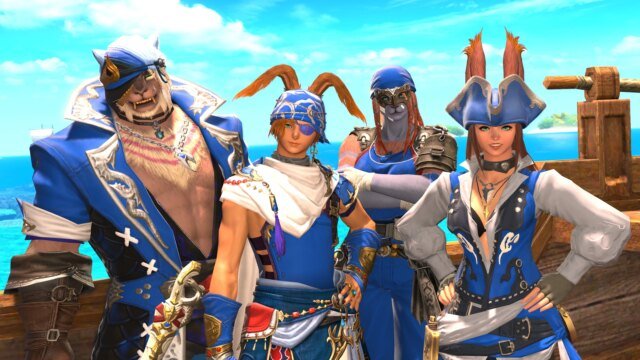
Adds full hat compatibility for both Hrothgar and Viera!Adds fully functional hat, hood, and headgear models for both Hrothgar and...
Upscaled World Textures.
Adds full hat compatibility for both Hrothgar and Viera!Adds fully functional hat, hood, and headgear models for both Hrothgar and...
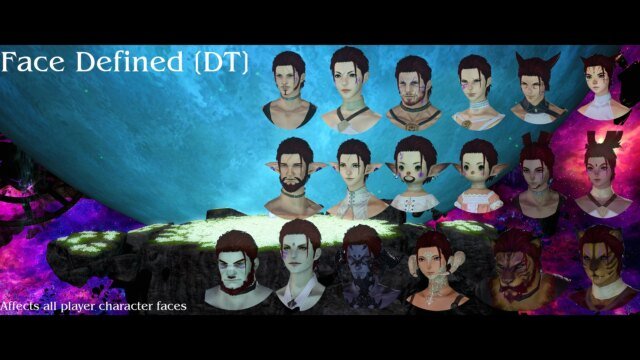
Face Defined is a companion mod to Hair Defined, designed to enhance the vanilla faces of all races, genders and...
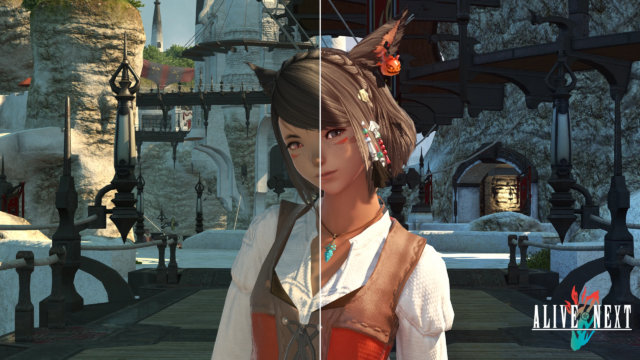
A collection of subtle Reshade presets that makes the world of Eorzea more Alive. Color settings, atmospheric fog, and SSAO...
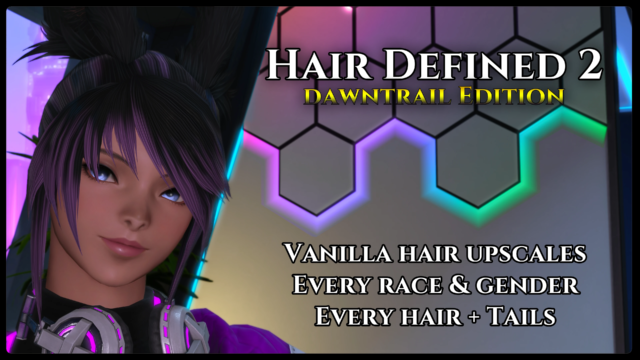
True UHD 4K Hair textures for the player character & Major NPCs that share the same files.Designed for clarity &...
Step-by-step instructions to install XIVLauncher, Dalamud, Penumbra, and TexTools safely so your game files stay clean across patches.
Read Install Guide →Understand Square Enix Terms of Service, why client-side hair, glamour, and UI mods differ from gameplay plugins, and best practices.
Read Safety FAQ →Filter every mod in our archive by category, required tool (Penumbra, TexTools, Dalamud, Glamourer), or popularity.
Explore Archive →The safest way to mod Final Fantasy XIV is using XIVLauncher with Dalamud and the Penumbra plugin. Unlike older file-replacement methods, Penumbra loads .pmp and .ttmp2 mods dynamically in memory without permanently altering your game installation. Read our complete How to Mod FFXIV Guide for step-by-step setup.
Download a mod archive (.pmp or .ttmp2) from our FFXIV Mod Archive. In-game, open Penumbra via /penumbra, click the Mods tab, select Import Mod, choose your downloaded file, and toggle it on inside your active collection. If you use TexTools, open TexTools and choose Mods > Import ModPack.
Officially, third-party tools and client modifications violate the Final Fantasy XIV Terms of Service. However, Square Enix does not run an invasive anti-cheat scanner; enforcement happens when players stream, harass others, or use gameplay-cheating tools. Client-side visual mods (Apparel, Characters, UI) are kept strictly private. See our full Are FFXIV Mods Allowed? breakdown.
FFXIV modding works on Windows PC, macOS (via XIV on Mac), and Steam Deck / Linux (via XIVLauncher Core). PlayStation 4, PlayStation 5, and Xbox Series X|S consoles do not support third-party mods or Dalamud plugins.
Players most frequently download Apparel & Glamour outfits, Characters & Hair mods, Visuals & Animations, User Interface overhauls, Models & Textures, Weapons, Mounts, Minions, and Utilities.